Circuit Editor Interface
Learn how to use LeafSheep QVU's circuit editor effectively.
Editor Layout
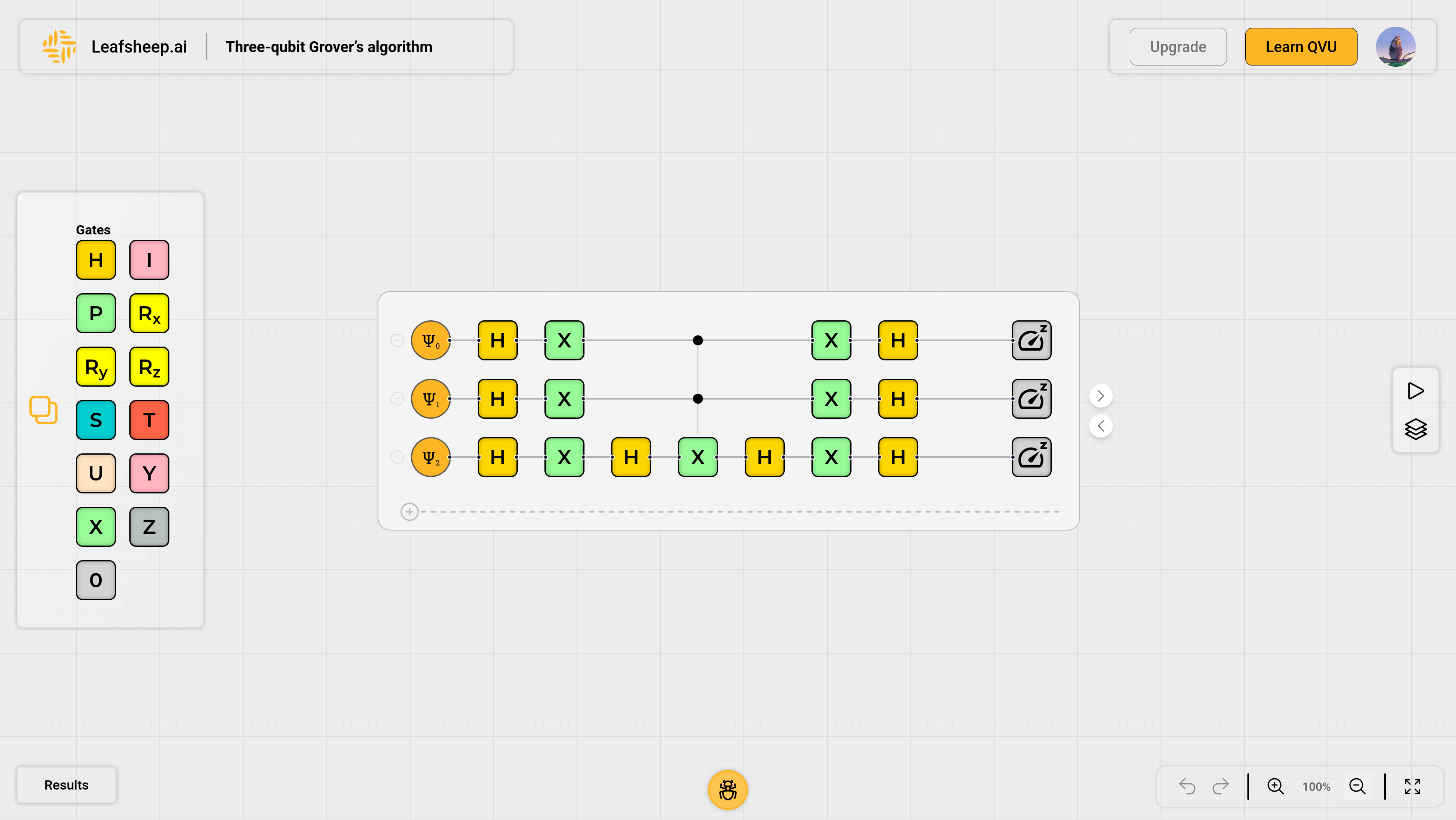
The editor is divided into five main sections:
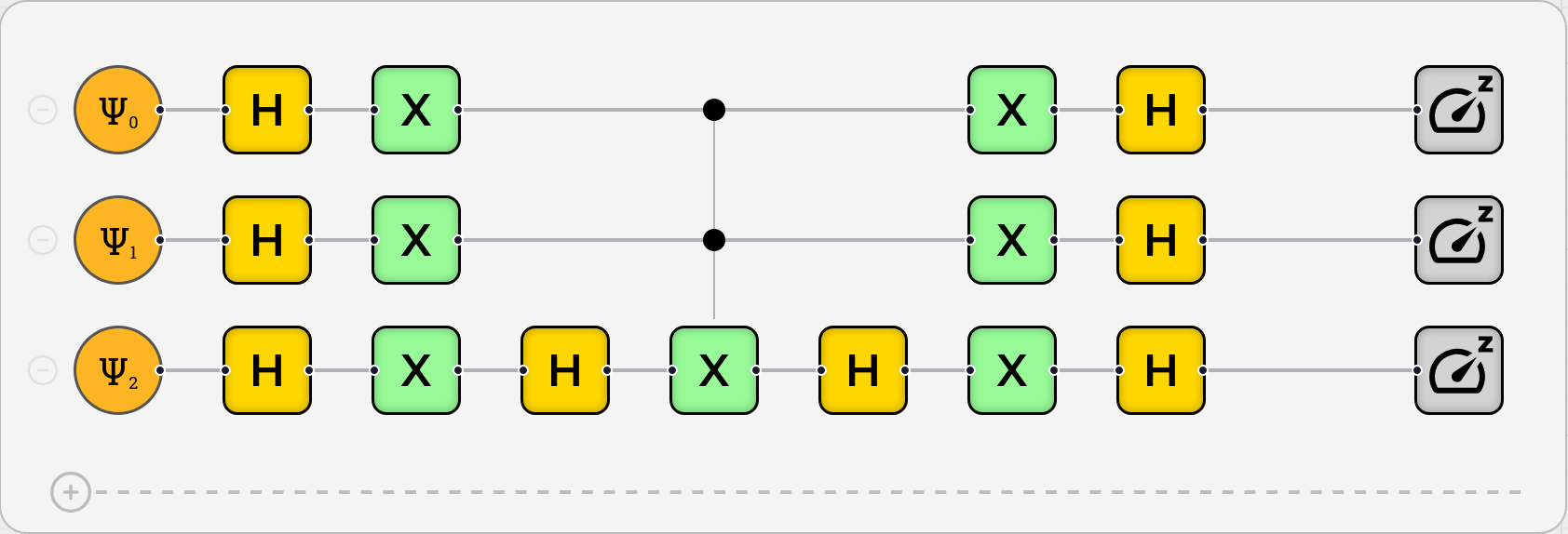
Circuit Canvas (Center)
- Main workspace for building circuits
- Qubit lines shown horizontally
- Time flows left to right
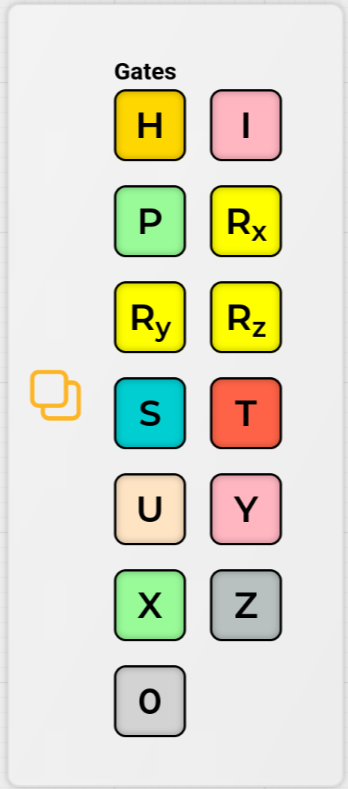
Gate Palette (Left)
-
Contains all available quantum gates
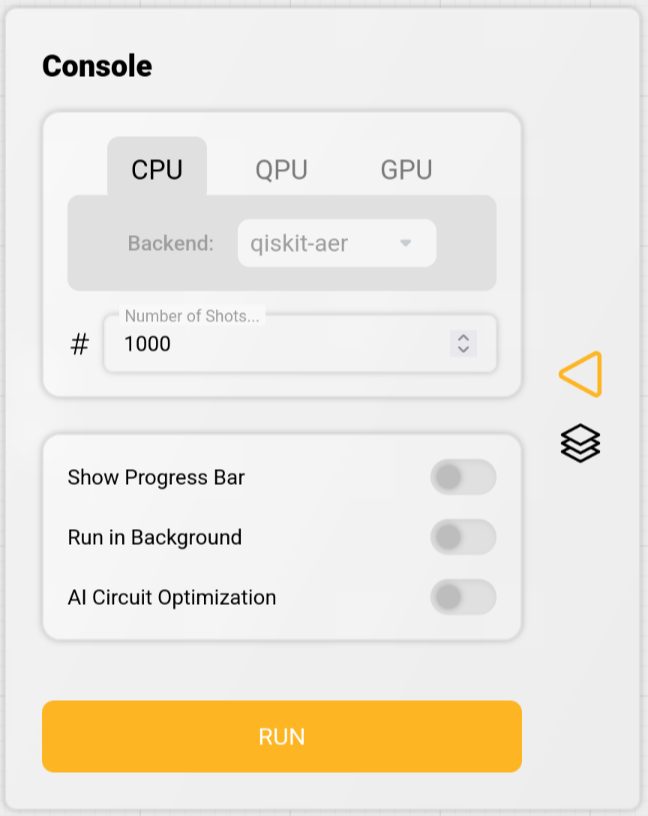
Console Panel (Right)
- Simulation controls
- Configuration options
Results Panel (Bottom)
- Results display
- Exports the results to a csv file.
See Running Simulations for interpreting results.

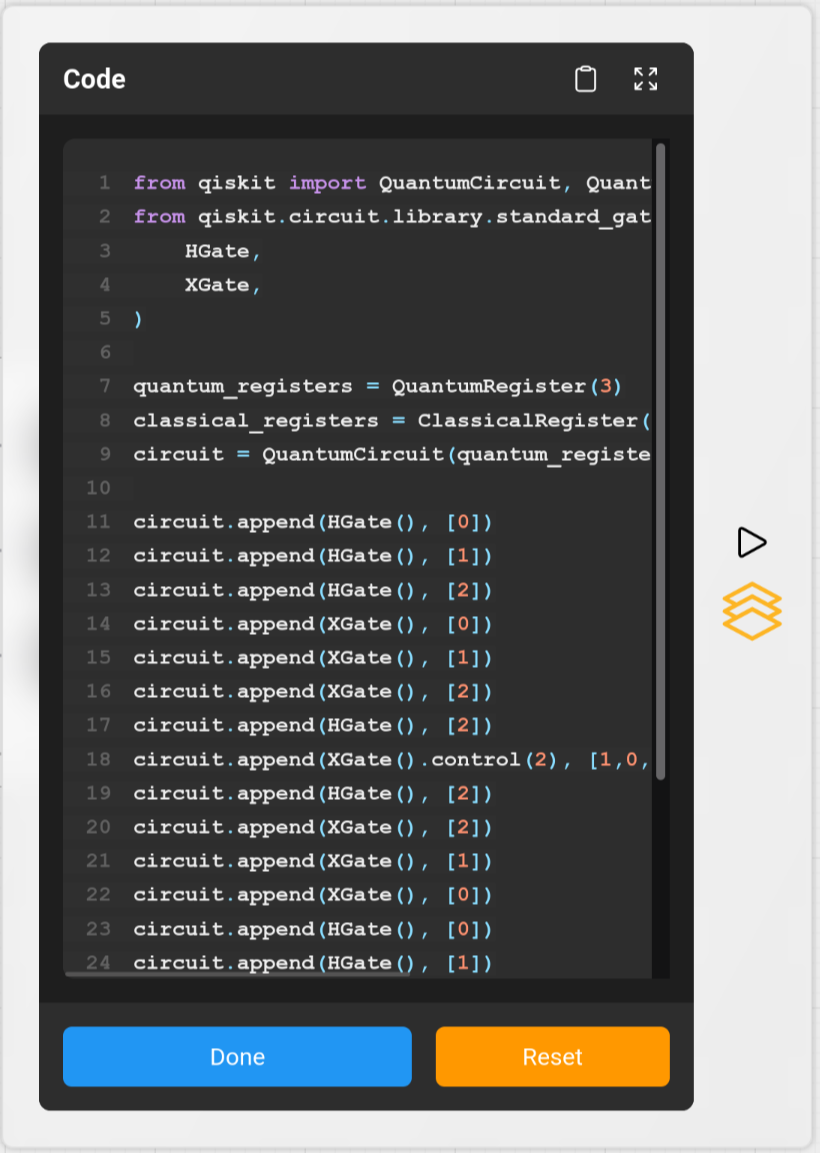
Code Display (Right)
- Displays the code for creating the circuit with qiskit
Managing Qubits
Adding and Removing Qubits
- Click '+' on bottom of the circuit canvas to add a new qubit
- Click '-' on the left side of each qubit line to remove the qubit and the gates on it.
- Maximum of 10 qubits allowed
note
Qubits are numbered from top to bottom, starting at 0.
Working with Gates
Adding Gates
- Select a gate from the palette
- Drag it onto a qubit line
- Gates snap to grid automatically
- Release to place the gate
See Quantum Gates
Removing Gates
- Click on the gate and press the delete or backspace key on your keyboard.
- All controls will be removed if the gate is removed.
Adding Controls
For gates that support controls:
- Hover over the placed gate
- Click and drag from the control point (top and bottom of the gate)
- Drop on target qubit line
Removing Controls
- Click on the control point and press the delete or backspace key on your keyboard.
note
Check the quantum gates documentation to see which gates support controls.
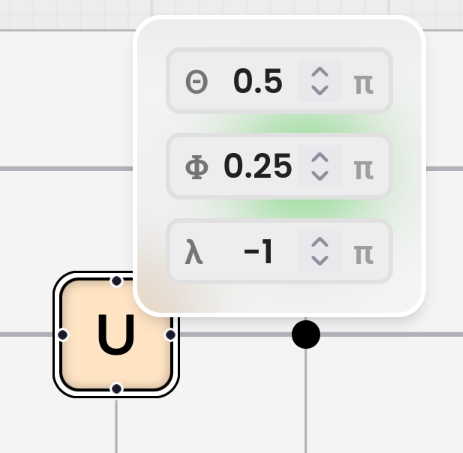
Setting Parameters
For parameterized gates:
- Select the gate
- Hover to open parameter panel
- Enter values (-2 to 2, multiplied by π)
See Quantum Gates for more information.
Circuit Operations
Basic Controls
- Undo: Ctrl+Z (Cmd+Z on Mac)
- Redo: Ctrl+Y (Cmd+Y on Mac)
- Save: Ctrl+S (Cmd+S on Mac)
Validation
The editor automatically checks for:
- Invalid gate combinations
- Incorrect control connections
- Parameter range violations
tip
Watch for warning indicators that appear when circuit issues are detected.